SEE IT RUN
Watch dock scheduling, start to finish.
A quick walkthrough: launch the site wizard, pick your scheduling mode, add a load type, and watch a carrier self-book against a real PO — the whole loop in under two minutes.
youtube.com/@dockhero
You saw on the home page that DockHero bends to any dock. Here's how the schedule itself works — the modes, the rules, and the self-booking that keeps your calendar clean without you touching it.
A quick walkthrough: launch the site wizard, pick your scheduling mode, add a load type, and watch a carrier self-book against a real PO — the whole loop in under two minutes.
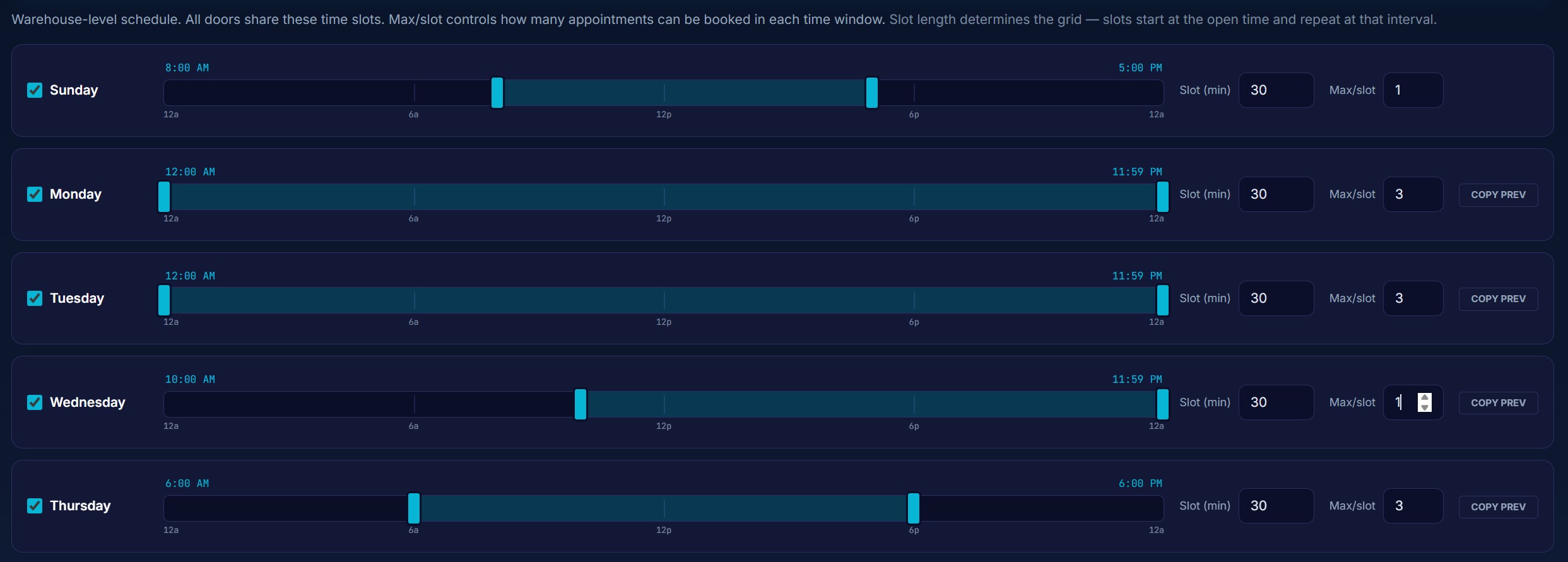
Pick how granular your dock runs — and the whole platform follows. You choose this once when you set up a site.
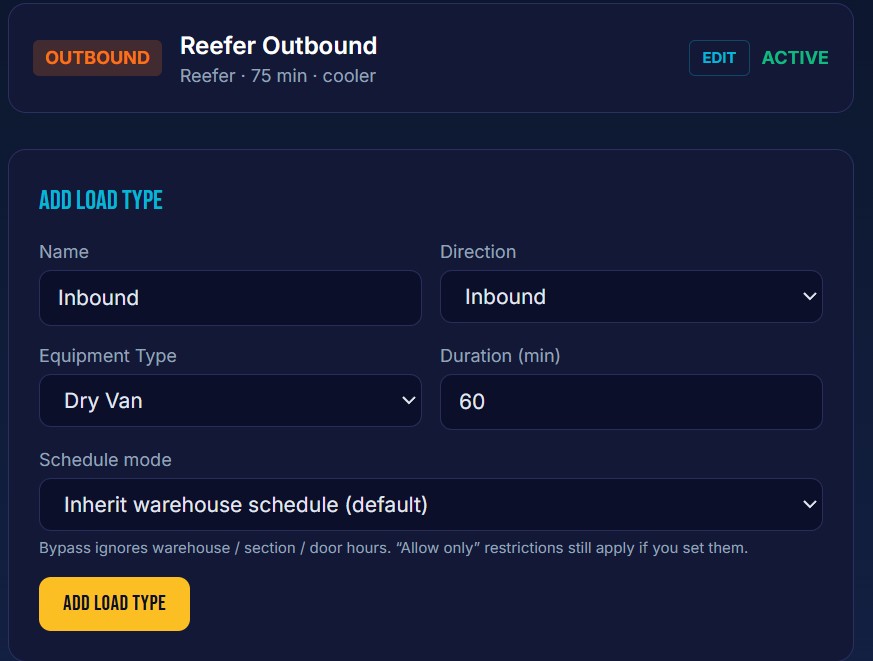
Define the kinds of work your dock does, and every booking inherits the right duration, eligible doors and slot caps — so a 30-minute pickup never lands in a 2-hour load's slot.
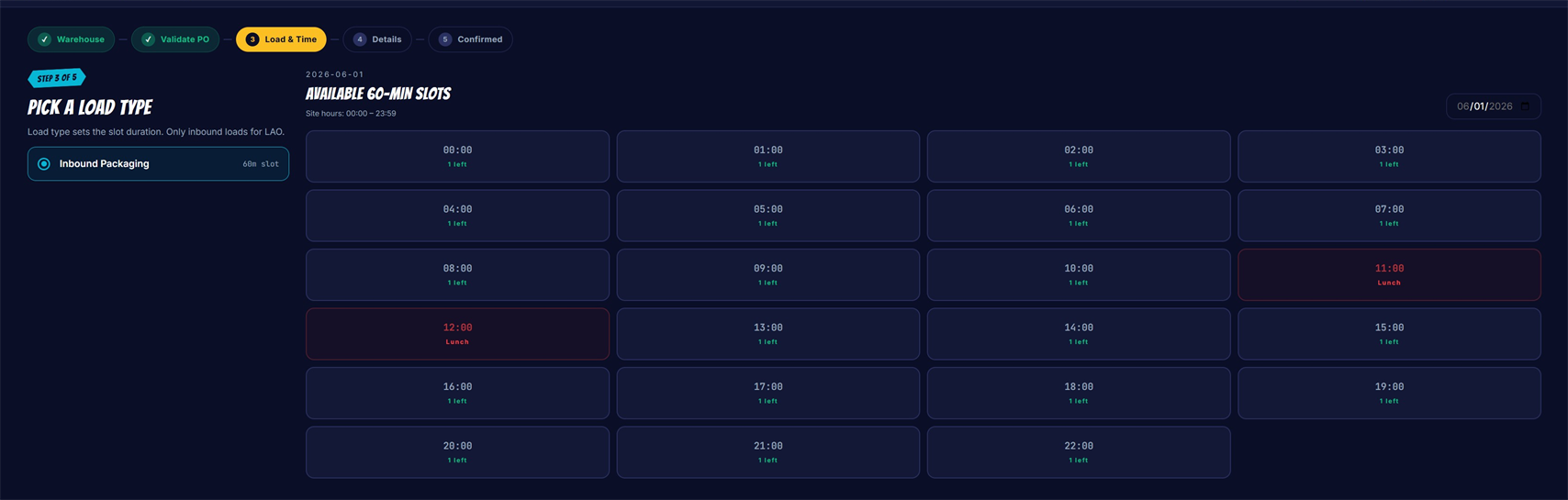
Send one secure invite link. Carriers enter a PO or SO and DockHero validates it against your order book before it hits your calendar. Wrong number, wrong dock, wrong week — stopped at the source.
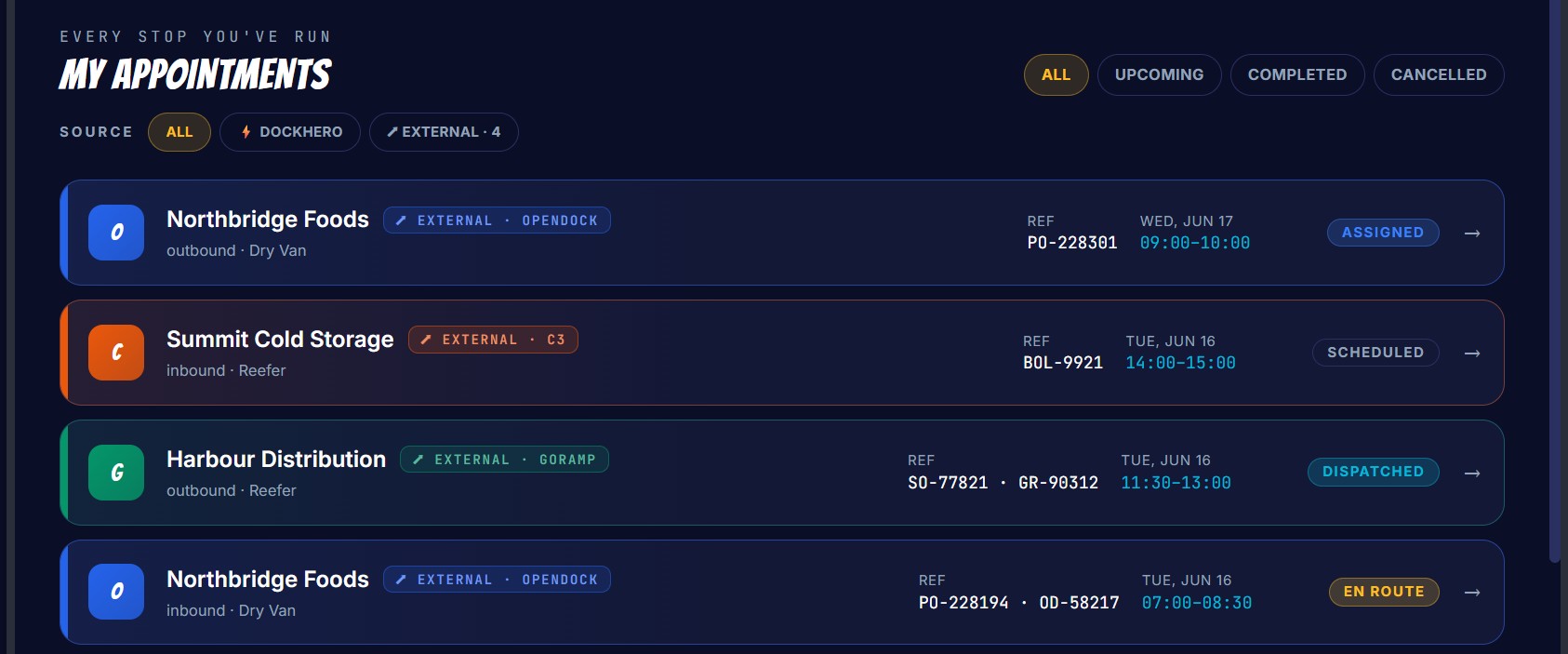
When the truck arrives, an admin checks it in with trailer number and reference. From there every appointment moves through a clean lifecycle — with full undo if something's logged wrong.
Founders pricing locked for 12 months, every feature shipped during your year, and a direct line to the founder. Spots are limited.
30-day free trial · No credit card · Cancel anytime
We use a few cookies
Strictly necessary cookies keep you signed in and remember your theme. We don’t use marketing or advertising cookies. See our Cookie Policy.