01How check-in turned into phone tag
Drivers used to check in over the CB and hear their door number on the same channel. A lot of buildings dropped that, and nothing replaced it cleanly. Now a typical check-in is a call to the guard shack, a call or text from the coordinator asking for the PO, and another call when a door finally opens, with the driver waiting in the cab between each one.
Each call only takes a minute, but together they pull the guard, the dock lead and the driver away from their work all day. The information also ends up living in people’s phones, so when a driver says they called at 7:10, nobody can check.
02The three handoffs: gate, door call and release
Every truck visit has three moments where information changes hands. Getting each one right fixes most of the phone tag.
- Gate (check-in). The truck arrives and you confirm who it is: appointment, PO or reference number, trailer number, and anything your site needs such as a seal number or reefer temperature. Record the time.
- Door call. Someone decides which door the truck goes to and tells the driver. Record when the door was assigned and when the truck was on it.
- Release. The work is done, the paperwork is signed and the driver is told they can leave. Record that time too.
Write down how each handoff works at your site today, who does it and how the driver hears about it. Most phone tag comes from a handoff that has no clear owner.
03Who calls the doors, and how drivers hear it
Pick one person per shift to assign doors, usually the dock lead or the receiving coordinator, and send every door question to them. Two people assigning doors from two lists is how a driver gets sent to a door that’s already taken.
Then pick one channel for telling drivers. A text to the driver’s phone works when you have the number and the driver has agreed to receive texts. A door display board where drivers wait works for trucks already on site, and a radio channel still works if everyone actually uses it. What doesn’t work is a mix, where some drivers get texts, some get calls and some have to walk back to the window to ask.
04What still needs a person at the window
Self check-in handles clean trucks well: the right appointment, the right PO and the paperwork ready. Keep a person for the exceptions, because these are the trucks that cause the longest waits when they’re handled badly:
- Early or late arrivals that need a decision about where to fit them in
- No appointment, or an appointment at a different site
- A wrong or missing PO, or freight that doesn’t match the order
- Seal numbers that don’t match, damaged trailers, or temperature problems on reefer loads
- Hazmat paperwork and anything else safety-related
Give the person at the window a clear rule for each case, so the decision is the same on every shift.
05Measuring arrival-to-door time
Before buying anything, time three gaps for a week or two: arrival to check-in, check-in to door, and door to release. Look at them by hour of the day, because a dock that runs smoothly at 2 p.m. can still be backed up at 7 a.m.
If most of the wait sits between check-in and the door, a faster gate won’t help. It only moves the line from the street into your yard, and the fix is in how appointments are booked and how doors are assigned. If most of the wait is at the window itself, that’s where self check-in and appointments validated before arrival pay off.
06Where a door display and a carrier portal help
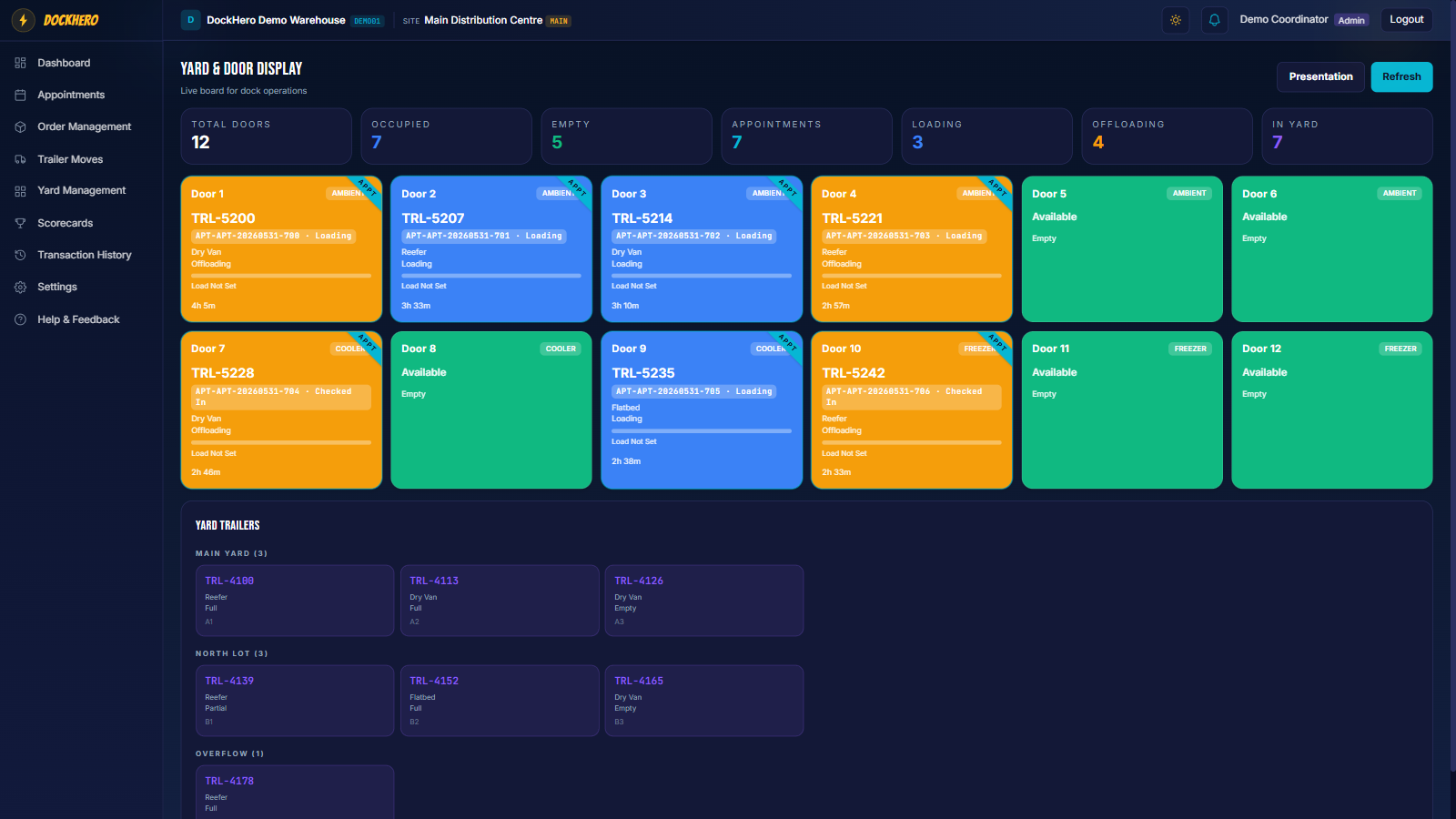
A carrier portal moves the PO and appointment questions to booking time. Carriers book their own slot against your real orders, so the appointment has already been checked when the truck arrives. At the gate, drivers can check themselves in by scanning a QR code, and your team sees them arrive. A door display board shows every door’s status, so the dock lead isn’t answering “which door?” all day, and a site billboard (a welcome note, instructions, PPE, hours and what to bring) puts your rules in front of carriers before they reach the gate.
DockHero includes all of these: carrier self-booking, QR driver check-in, text updates for drivers who opt in, a live door display and a booking-page billboard. Read more on the carrier-facing dock scheduling page, see how to set up the billboard in Dock School, or watch the 30-second video below.